Local SEO for service-area businesses: here’s the no-fluff 2026 guide to showing up when you’ve got nowhere for customers to drop by. You’re the one racking up miles—customers never cross a threshold. Let’s flip the tired local-SEO script upside-down. Foot traffic? Forget it. You’re running service-area SEO now—Google lets you rank in towns where you’ve never paid rent, and hiding your address isn’t sneaky, it’s mandatory. Nail it and the upside’s nuts: 76% of “near me” searchers swing by a business the same day, and 80% of local searches turn into cash, all without a welcome mat. Blow it and you’ll torch money on duplicate listings, suspended profiles, and city pages rotting on page four. Here’s the 2026 playbook: rank with no storefront, keep your address off Google Business Profile without getting the boot, and stay visible when AI Overviews shout out barely a third of the brands the old map pack used to.
—
What Google really means by “Service-Area Business”
According to Google, a Service-Area Business (SAB) is any outfit that:
- Delivers goods or services at the customer’s location (homes, offices, job sites)
- Does not serve customers at its own address—or doesn’t want the address public
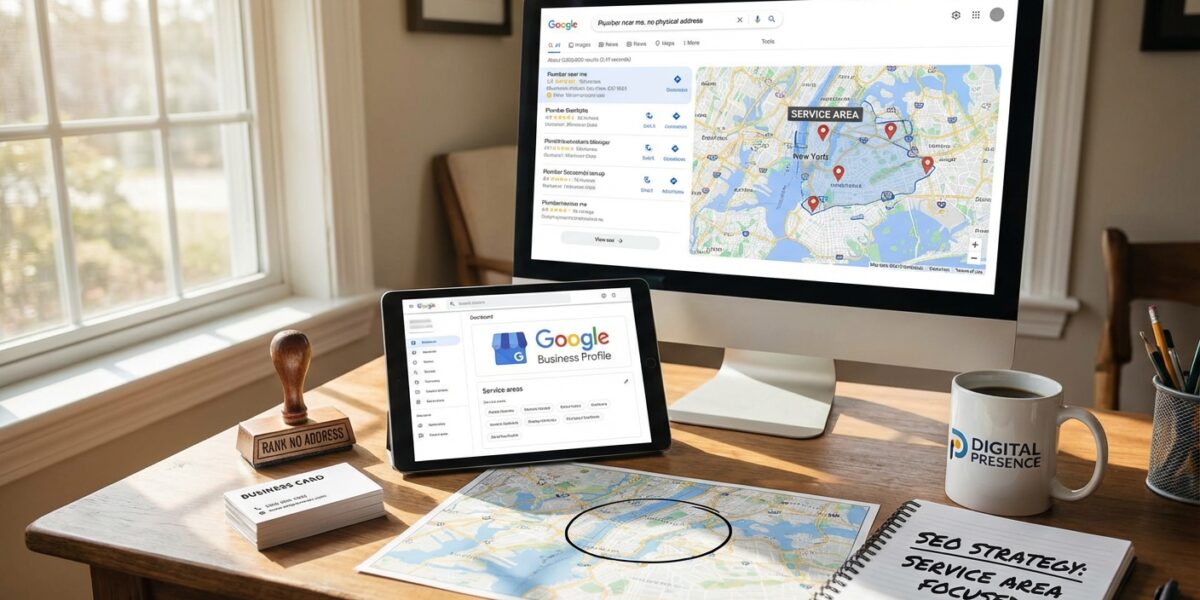
- Operates in a set radius, list of postal codes, or list of cities
Examples: plumbers, mobile dog groomers, carpet cleaners, landscaping crews, food-truck caterers, on-site IT support, and even consultants who meet at client offices. The moment you check “I deliver goods and services to my customers” inside Google Business Profile (GBP), you become a SAB. That single checkbox:
- Removes the street address from public view (Maps, Search, Knowledge Panel)
- Triggers different ranking logic—proximity is measured from the centroid of each declared service area, not from your office
- Opens the door to multi-city expansion without violating Google’s “one business per address” rule
If you also check “Hide my address” (formerly “I don’t have a storefront”), Google sets the address field to “Provides service at customer address”. This is not a ranking disadvantage—it’s a compliance feature. Businesses that accidentally leave an address public risk suspension for “address mismatch.”
—
Why Service Area Business SEO Is Different
1. No physical anchor = no proximity boost from a visible pin.
2. Service radius > city limits. Google lets you list up to 20 service areas (cities or postal codes) per profile. List more and you’ll be forced to trim or split into separate brands.
3. Reviews must be Google-native. Third-party reviews (Facebook, Nextdoor, Thumbtack) do not flow into your GMB rating; you need a Google Review Strategy that pulls 5–10 new reviews per week on autopilot.
4. Location pages compete with GBP. A classic brick-and-mortar site can rely on its profile; a SAB must build rank-without-storefront location landing pages or concede the organic strip to Angi, Yelp, and HomeAdvisor.
5. AI Overviews compress supply. With only 32% of traditional map-pack businesses surfacing inside AI local packs, brand authority and topical depth decide who survives.
—
Step-by-Step: How to Rank a Service Area Business in 2026
Below is the repeatable framework we deploy for clients in roofing, AV integration, commercial cleaning, and emergency restoration—all without a single customer-facing office.
1. Nail the Foundation: Google Business Profile for SABs
#### a. Create or claim the profile
- Use a dedicated Gmail that you will never lose access to (use Google Workspace for extra safety).
- Enter the real business name—no keyword stuffing. Google’s March 2026 Spam Update exactly targeted “descriptor spam” (e.g., “A1 Plumbing | Best Plumber Dallas TX”).
#### b. Set service areas correctly
- Add cities instead of zip codes when possible; city names match searcher language (“plumber in Frisco” vs. “plumber in 75034”).
- Order matters: list primary revenue city first—Google’s ranking edge tapers after the fifth entry.
- Do not exceed 20 areas. If you serve 35 towns, group by metro (e.g., “Dallas–Fort Worth Metro”) or create separate brands with distinct sites, phones, and EINs.
#### c. Hide the address (but check it)
- Check “Yes, this business serves customers at their locations” ➞ “Hide address”.
- You still must enter a real address for the postcard PIN. Use your registered office, home, or co-working space—but never a UPS store or virtual office; both violate 2026 guidelines and trigger automatic suspension within 72 h.
#### d. Choose the minimum possible categories
- Primary category = money keyword (“HVAC contractor”, “Emergency plumber”).
- Secondary categories = adjacencies only if you truly offer them (“Duct cleaning service”, “Water damage restoration”).
- More than 3 categories dilutes relevance; AI Overviews now cluster by primary category only.
#### e. Add service line items
- Google added “Service catalog” in 2025. Populate each service with price ranges, short descriptions, and 3 attributes (eco-friendly, warranty, 24/7). These feed directly into AI Overviews and local rankings.
—
2. Build Location Pages That Rank Without a Storefront
Each city you serve needs a unique, high-value landing page:
- URL slug:
/city-name-service(e.g.,/frisco-hvac-repair) - Title tag: “Service in City | 24/7 Frisco HVAC Experts | No-Travel-Fees”
- H1: “HVAC Repair & Installation in Frisco, TX—We Come to You”
- Geo modifiers: landmarks, neighborhoods, ZIP codes, driving directions from major intersections.
- Proof of work: before/after photos, Google Maps embeds of recent job sites, reviews from that city.
- Local schema: use “ServiceArea” and “hasMap” to show Google your radius.
- Internal links: link each location page back to your main service page and to adjacent cities (silos = relevance).
Duplicate content kills SABs. Spinning 200 thin “city + keyword” pages? Expect a Helpful Content hit. Instead, publish case studies, technician interviews, and local cost guides for every city cluster.
—
3. Earn Local backlinks without a local door
No storefront ≠ no local authority. Tactics that still work in 2026:
- Sponsor little-league teams, pet rescues, and 5K races—ask for a website shout-out.
- Guest on city podcasts (“Frisco Morning Business”) and link back to your location page.
- Offer expert quotes to local newspapers on heat-wave safety, pipe-freeze tips, etc.
- List in local chambers and BBB chapters—even virtual memberships get do-follow links.
- Co-market with realtors, property managers, and roofers; swap “preferred vendor” badges.
—
4. Review Velocity: The Hidden SAB Ranking Factor
Google’s 2026 Local Search Ranking Factors leak shows review velocity (new reviews per week) carries 11% weight for SABs—double that of brick-and-mortar.
Autopilot system:
1. SMS drip: auto-text customers 2 h after job completion with a 3-question survey.
2. Conditional logic: if NPS ≥ 9, send Google review link; if 7–8, ask for private feedback.
3. QR code on invoices and truck decals—scan ➞ review prefilled with 5-star prompt.
4. Monthly giveaway: every reviewer enters to win a $100 Home Depot gift card (legal in TX, FL, CA; check state laws).
5. Reply to every review within 24 h—keywords in owner responses reinforce city relevance.
—
5. Keep Your Hidden Address Safe From Suspension
Top 2026 suspension triggers for SABs:
- Virtual office / UPS store as address (detected via Street View & third-party data).
- Address appears on Facebook, Yelp, Apple, or your site footer after you told Google it’s hidden.
- Two profiles for the same brand + city pair (common after rebrands).
- Service areas >100 mi from hidden address with no on-page proof you travel that far.
Quarterly audit checklist:
1. Search your exact brand name + city—look for stray addresses.
2. Screaming Frog crawl for any /contact or /about pages that expose a street address.
3. Suppress or edit citations on YP, Neustar, Foursquare—use Yext or manual outreach.
4. If you move, do not create a new profile—request an address change in the same dashboard.
—
6. Future-Proof Against AI Overviews & Zero-Click SERPs
AI Overviews now surface only 3–4 local brands vs. the old 3-pack’s 20. To stay in that elite circle:
- Topical depth: publish 2,000-word ultimate guides for each service (Google calls them “authority clusters”).
- First-party data: embed unique photos, employee bios, equipment serial numbers—anything AI can’t scrape elsewhere.
- Structured data: add
Service,AreaServed,Brand,AggregateRating, andhasCredential(EPA, NATE, IICRC) schema. - Engagement signals: push searchers to scroll your page, click internal links, and watch videos—dwell time is now a local ranking signal.
—
Quick-Start Checklist (Print & Tape to Your Monitor)
☐ Claim GBP with real but hidden address
☐ List ≤20 cities, primary city first
☐ Hide address everywhere else (site, citations, social)
☐ Build one epic location page per city
☐ Add service catalog with prices & attributes
☐ Earn ≥5 new Google reviews/week
☐ Acquire 3 local backlinks/month
☐ Run quarterly citation & suspension audit
☐ Refresh location pages with new case studies every 90 days
Follow the checklist and you’ll rank in every city you serve—without ever unlocking a storefront. Welcome to the service-area business SEO era; now go own the map.