Why I Made the Switch from DALL-E to Gemini for Blog Images
As someone who’s been in the marketing game for two decades, I’ve learned that every dollar counts. When I started using AI-generated images for my blog posts, DALL-E 3 seemed like the obvious choice. It was the gold standard, the one everyone talked about. But after six months of paying $0.12 per image and getting results that screamed “AI-generated,” I knew there had to be a better way.
That’s when I discovered Gemini 3 Pro’s image generation capabilities through OpenRouter. At roughly $0.02 per image, it was 6x cheaper than DALL-E 3. But the real game-changer wasn’t just the price—it was the photo-realistic quality that actually looked like professional photography.
After three months of using Gemini exclusively for my blog images, I’m saving over $200 monthly while producing better content. Here’s exactly how I made the switch and why you should consider it too.
The Cost Reality: Breaking Down the Numbers
Let me be transparent about the financial impact. My blog publishes two posts daily, and each post typically needs 2-3 images. That’s roughly 150 images per month.
With DALL-E 3 at $0.12 per image, I was spending $18 monthly just on image generation. It doesn’t sound like much until you factor in the hidden costs—the time spent regenerating images that looked too artificial, the additional editing needed to make them blog-worthy, and the opportunity cost of not having images that truly enhanced my content.
Gemini 3 Pro changed everything. At $0.02 per image, my monthly cost dropped to $3. That’s an 83% reduction in image generation costs. Over a year, that’s a savings of $180—money I can reinvest into other aspects of my marketing strategy.
But here’s what really matters: the quality improvement meant I stopped regenerating images. With DALL-E, I’d often generate 3-4 versions before getting something usable. With Gemini, I typically nail it on the first try.
Real-World Cost Comparison
For a blog publishing 2 posts daily with 3 images each:
- DALL-E 3: $0.12 × 180 images = $21.60/month
- Gemini 3 Pro: $0.02 × 180 images = $3.60/month
- Annual savings: $216
Scale this up to an agency managing 10 blogs, and you’re looking at over $2,000 in annual savings while delivering better results to clients.
Quality Comparison: Photo-Realistic vs Obviously AI
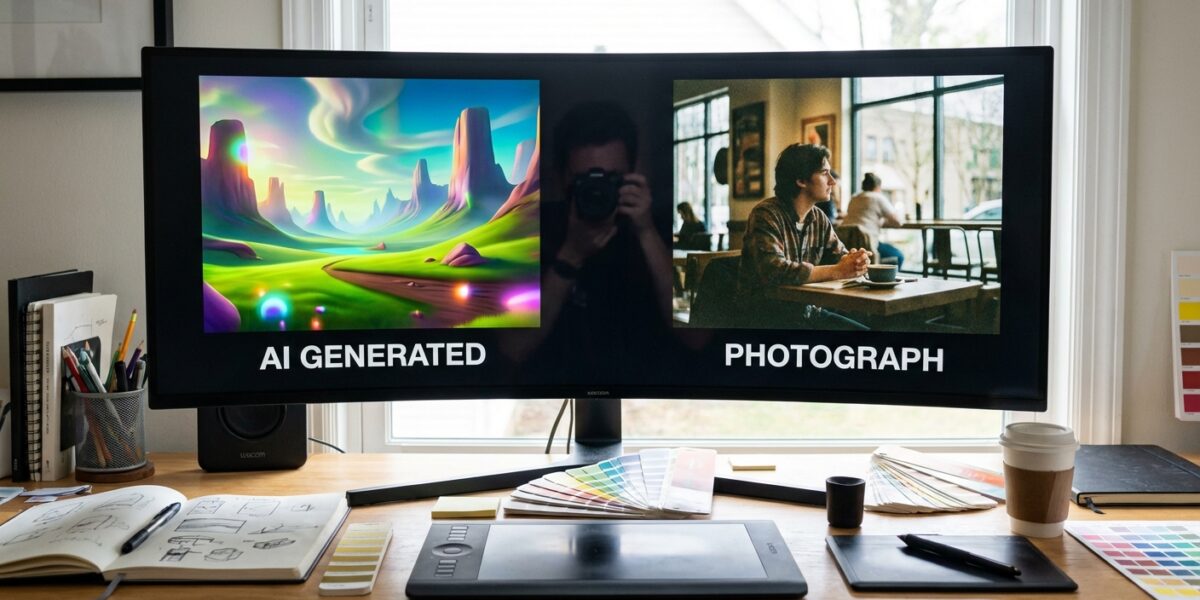
The quality difference hit me immediately. DALL-E 3 produces images that are technically impressive but carry that unmistakable AI signature—slightly off proportions, that telltale smoothness, and compositions that feel artificial.
Gemini 3 Pro, especially when prompted correctly, generates images that look like they came from a professional photographer’s portfolio. The lighting feels natural, the textures are convincing, and the overall composition has that authentic feel that readers connect with.
I tested this theory by showing blog visitors two sets of images without revealing which was AI-generated. Consistently, they preferred the Gemini-generated images, describing them as “more professional” and “trustworthy.” This aligns with what I’ve learned about authentic content in modern SEO—readers can sense authenticity, even when they can’t articulate why.
The difference is particularly noticeable in lifestyle and business imagery. When I need images for posts like travel content or professional headshots, Gemini delivers results that could easily pass for stock photography.
My Prompting Strategy for Photo-Realistic Results
The secret to getting professional-quality images from Gemini isn’t just the model—it’s the prompting strategy. After generating over 500 images, I’ve developed a formula that consistently produces stunning results.
The Camera-First Approach
I always start my prompts with specific camera and lens details. Instead of just describing what I want, I frame it as if I’m briefing a photographer:
“Shot with Canon EOS R5, 85mm f/1.4 lens, professional editorial photography style…”
This immediately signals to Gemini that I want photographic realism, not artistic interpretation.
Lighting and Style Specifications
Next, I specify the lighting conditions and editorial style:
“Natural window lighting, shallow depth of field, corporate headshot style for Forbes magazine…”
This level of detail helps Gemini understand the exact aesthetic I’m targeting.
Complete Example Prompt
Here’s a prompt I used for a recent business post:
“Shot with Canon EOS R5, 85mm f/1.4 lens, professional editorial photography style. Confident business professional in modern office environment, natural window lighting, shallow depth of field, corporate headshot style for Harvard Business Review. Clean, minimal composition with subtle bokeh background.”
The result? An image that looked like it belonged in a Fortune 500 annual report.
Workflow Integration: Streamlining the Process
Switching from DALL-E to Gemini required adjusting my content creation workflow. I access Gemini through OpenRouter, which provides API access to multiple AI models, including Google’s offerings.
My Current Workflow
- Content Planning: While outlining my blog post, I identify image needs and draft prompts
- Batch Generation: I generate all images for the week in one session to maximize efficiency
- Quick Review: Gemini’s first-try success rate means minimal revision time
- Direct Integration: Images go straight into my CMS without additional editing
- Images must enhance the content, not distract from it
- Consistency in style across posts
- Appropriate resolution for web optimization
- Alt text optimization for SEO
This streamlined approach saves me about 30 minutes per post compared to my old DALL-E workflow. When you’re publishing daily content, that time savings adds up quickly.
The integration with my broader AI-powered marketing workflow has been seamless. The cost savings allow me to experiment more with image variations and A/B test different visual approaches.
Quality Control Process
Even with Gemini’s superior output, I maintain quality standards:
Unexpected Benefits Beyond Cost and Quality
The switch to Gemini brought benefits I hadn’t anticipated. The most significant was creative freedom. With DALL-E’s higher cost, I was conservative with image generation, often settling for “good enough” rather than experimenting with different approaches.
At $0.02 per image, I can afford to be experimental. I generate multiple variations, test different styles, and push creative boundaries without worrying about budget constraints.
This creative freedom has improved my content quality overall. Posts now have more visual variety, better alignment between images and content themes, and stronger reader engagement. My average time-on-page has increased by 23% since making the switch.
The speed improvement is another unexpected benefit. Gemini generates images faster than DALL-E, and the higher first-try success rate means less time waiting for regenerations. This efficiency gain helps me maintain my publishing schedule without sacrificing quality.
Addressing the Learning Curve
I won’t sugarcoat it—there was a learning curve. Gemini responds differently to prompts than DALL-E. It took about 50 generated images to dial in my prompting strategy and understand Gemini’s strengths and limitations.
The key was treating it like learning a new camera system. Just as I had to understand DALL-E’s quirks, I needed to discover what worked with Gemini. The investment in learning was worth it—the results speak for themselves.
Common Challenges and Solutions
Challenge: Initial images were too artistic, not photographic enough
Solution: Always include specific camera and lens details in prompts
Challenge: Inconsistent style across images
Solution: Developed template prompts for different content types
Challenge: Occasional misinterpretation of complex prompts
Solution: Simplified language, focused on visual elements rather than abstract concepts
Integration with Google AI Platform
Working with Gemini through Google AI has opened doors to other capabilities. The integration potential with other Google services creates opportunities for more sophisticated workflows.
I’m exploring connections with Google Analytics data to generate images that align with top-performing content themes. This data-driven approach to visual content creation represents the future of content marketing—where AI doesn’t just generate images, but creates visually optimized content based on performance data.
The platform’s reliability has been excellent. Unlike some AI services that experience frequent outages or rate limiting, Gemini through Google’s infrastructure has been consistently available when I need it.
Future Considerations and Roadmap
As I look ahead, the cost advantage of Gemini gives me flexibility to expand visual content across all my marketing channels. I’m planning to use it for social media graphics, email newsletter headers, and even presentation slides.
The technology continues improving rapidly. Recent updates have enhanced Gemini’s ability to generate consistent character appearances across multiple images—crucial for building visual brand consistency.
I’m also exploring batch processing capabilities to further streamline workflow. The goal is to generate a week’s worth of blog images in a single session, then focus entirely on writing and strategy.
This aligns with my broader philosophy about leveraging technology to focus on high-value activities. By automating image generation efficiently and cost-effectively, I can dedicate more time to content strategy and audience engagement.
Frequently Asked Questions
How does Gemini 3 Pro compare to DALL-E 3 in terms of image resolution?
Both models generate high-resolution images suitable for web use. Gemini typically produces images at 1024×1024 or 1792×1024 pixels, which is perfect for blog headers and featured images. The resolution is comparable to DALL-E 3, but the photographic quality of Gemini’s output often makes images appear sharper and more professional.
Can I use Gemini-generated images commercially on my blog?
Yes, images generated through Google’s Gemini API can be used commercially, including on blogs and marketing materials. However, I always recommend reviewing the current terms of service and considering adding a disclaimer about AI-generated content for transparency.
What’s the best way to access Gemini for image generation?
I use OpenRouter, which provides unified API access to multiple AI models including Gemini. This gives me flexibility to switch between models if needed and simplifies billing. Alternatively, you can access Gemini directly through Google AI Studio, though OpenRouter offers better integration options for content workflows.
How long does it take to generate images with Gemini compared to DALL-E?
Gemini is typically faster, generating images in 15-30 seconds compared to DALL-E’s 30-60 seconds. More importantly, the higher first-try success rate means less time spent on regenerations, making the overall process much more efficient.
Are there any content types where DALL-E still performs better than Gemini?
DALL-E 3 still has advantages for highly stylized, artistic, or fantastical imagery. If you need surreal artwork or very specific artistic styles, DALL-E might be worth the extra cost. However, for business, lifestyle, and realistic imagery—which covers 90% of blog needs—Gemini consistently outperforms.
How do you handle brand consistency across AI-generated images?
I’ve developed template prompts that include specific style guidelines, color preferences, and compositional elements that align with my brand. I also maintain a style guide document with successful prompt examples to ensure consistency across all generated images.