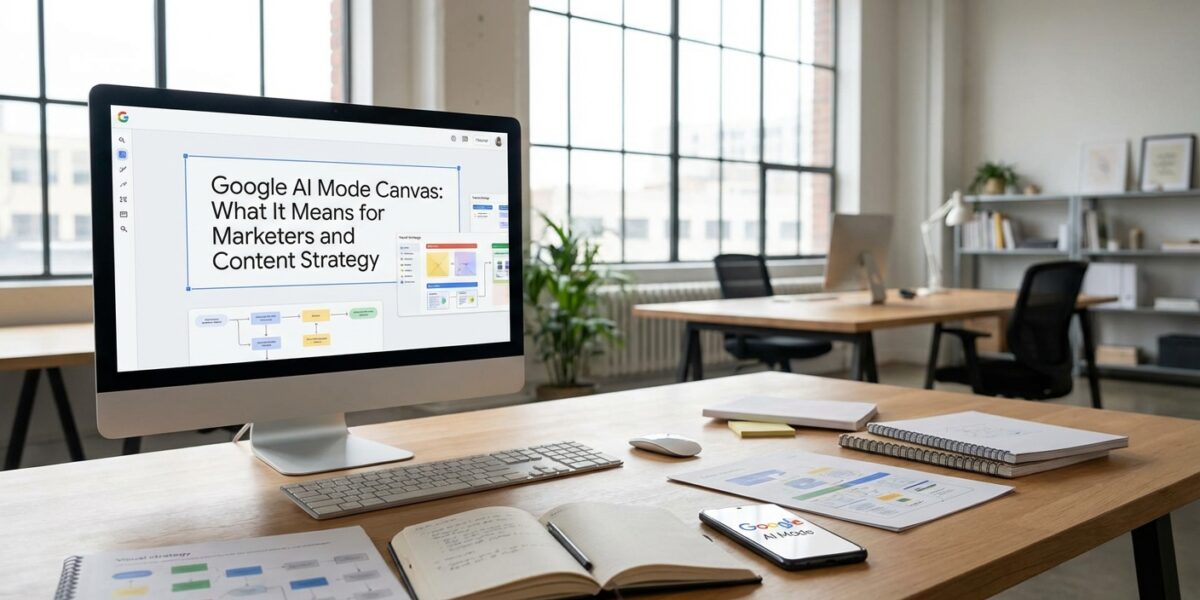
Google just turned its search bar into a full creative workspace — and most marketers have no idea what to do with it.
On March 4, 2026, Google rolled out Google AI Mode Canvas to all U.S. users searching in English — no Google Labs opt-in required. That’s a big deal. We’re not talking about a beta feature for early adopters anymore. This is now part of the default AI mode Google Search experience, powered by Gemini AI models, and it changes the relationship between search and content creation in ways I think most marketers are still underestimating.
Google Canvas search is a persistent side panel workspace integrated directly into AI Mode. It lets users organize research, draft documents, write code, build interactive prototypes, and pull real-time data from the web and Google’s Knowledge Graph — all without leaving the search interface. Think of it as Google Docs, Notion, and ChatGPT having a baby that lives inside Google Search.
In this post, I’m going to break down what AI search Canvas 2026 actually is, how it works, why it matters for content strategy, and — most importantly — what you should be doing differently right now.
What Google AI Mode Canvas Actually Is (And How It Works)
Let me be precise here, because a lot of the coverage I’ve seen is vague. Google Canvas search is not a standalone app. It’s a persistent side panel that opens alongside AI Mode in Google Search. When you’re in AI Mode and working on something complex — a trip plan, a research project, a content outline — Canvas gives you a dedicated workspace where that output lives and can be refined iteratively.
It started as a Google Labs experiment in March 2025. Over the following year, Google added capabilities including creative writing, coding, and multimodal inputs like image uploads. By January 2026, the AI search Canvas supported six trip-planning use cases, including uploading photos to match destinations. The March 4, 2026 rollout made it standard for all U.S. English users.
What makes AI mode Google Search with Canvas different from a standard chatbot interface is its contextual awareness and live data integration. It’s not just generating text from training data — it’s pulling from real-time web results and Google’s Knowledge Graph. That distinction matters enormously for marketers who need current, accurate information rather than AI hallucinations from stale training data.
Premium Gemini access (Google AI Pro or Ultra) unlocks a 1 million-token context window, which means you can work on genuinely complex, long-form projects inside the Google AI Mode Canvas without losing context mid-session. For most marketing use cases, the standard version is plenty to get started.
Why Google Canvas Search Shifts the Content Strategy Conversation
Here’s the angle I haven’t seen many people talking about: AI search Canvas 2026 doesn’t just change how users interact with Google — it changes what Google Search competes with.
Before Canvas, a user who wanted to draft a content calendar, build a competitor analysis, or prototype a campaign dashboard would leave Google and go to ChatGPT, Claude, or Notion. Now they don’t have to. Google AI Mode Canvas is keeping that intent — and that session — inside its own ecosystem.
That has real implications for where your content needs to be and what form it needs to take. If users are building research canvases inside AI mode Google Search rather than clicking through to five different websites, the old model of "rank for the keyword, get the click" gets even more pressure on it.
I’ve written before about how Google cites itself 17% of the time in AI Mode — Google Canvas search extends that self-referential loop further. The more useful Canvas becomes as a workspace, the more users stay in Google’s environment, and the more your content needs to be structured in a way that AI systems can surface and cite accurately.
"The shift from search engine to answer engine is well underway. The next shift — from answer engine to creative workspace — is what Canvas represents."
— Luis Espada, PPC Land
Espada’s framing is accurate. AI search Canvas 2026 bridges the gap between a query and a "usable artifact." Users aren’t just getting answers anymore — they’re getting deliverables. That’s a fundamentally different relationship with search.
Practical Ways Marketers Can Use Google AI Mode Canvas Right Now
I want to be practical here, not theoretical. Here are the actual use cases I see Google Canvas search being genuinely useful for in a marketing context today.
Content Ideation and Outlining with AI Search Canvas
Open AI Mode, activate Canvas, and prompt it to build a blog outline for a specific topic with current stats and source suggestions. Because Google AI Mode Canvas pulls live web data, it can surface recent research rather than outdated training data. You can then iterate in the chat panel — ask it to add sections, adjust the angle, or restructure the hierarchy — and the canvas updates in real time.
This isn’t replacing your content strategy. It’s accelerating the research and structure phase significantly. I still edit everything. I still add my own perspective. But the scaffolding goes up faster.
Competitor Research and Audience Analysis in AI Mode Google Search
Prompt Google Canvas search to pull together a competitor landscape for your niche — positioning, content themes, apparent keyword targets. Because it’s connected to live search data and the Knowledge Graph, it can surface entity relationships between brands, topics, and audience segments in ways that a static ChatGPT session can’t.
Combine this with a proper competitor SEO audit and you’